



Try GEBRA: A Hands-On Variant Interpretation Experience
If you have been curious about GEBRA but did not want to start with a demo request, there is now an easier way to explore the platform.
The new GEBRA tutorial experience is now live.
You can walk through the actual GEBRA interface and see how the variant interpretation workflow progresses step by step—without scheduling a sales meeting first.

See the workflow from variant review to report
The tutorial guides you through the core steps of reviewing a case in GEBRA.
You can explore how to:
- Review prioritized variants
- Compare patient phenotypes with candidate variants
- Inspect detailed variant information and clinical evidence
- Review classification-related evidence
- Select relevant findings
- Generate a final report
Rather than simply showing product screenshots, the tutorial is designed to help clinical genetics and variant interpretation professionals understand how information is organized and reviewed throughout the GEBRA workflow.
Explore first. Then try it with your own VCF
Once you have completed the tutorial, you can sign up and access the GEBRA demo environment directly.
From there, you can upload your own VCF file and experience the workflow hands-on, from variant review through report generation.
Previously, experiencing GEBRA required a demo request and sales meeting before access was provided.
Now, the experience is much simpler:
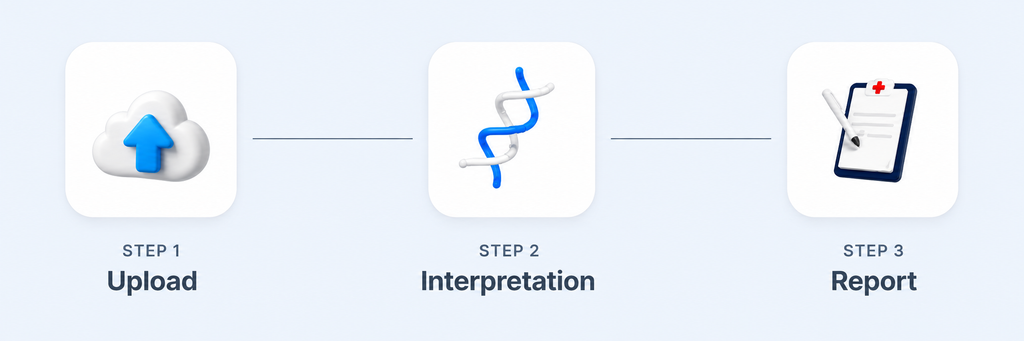
Explore GEBRA → Sign up → Upload your VCF → Review and generate a report
If you want to see how GEBRA could fit into your variant interpretation workflow, start by exploring it yourself.

Seong Eun
Marketing Manager
I’m turning genomic insights into impact.